
How it works01Features02Pricing03Learn04Contact05Try Beck AI freeApp Store
Free 3-day trial · iCloud, Google, Outlook · No ads
Fantastical's natural-language input is the gold standard for typed events. Beck AI takes the next step — a chat that remembers, sees your day, edits recurring series, and takes a photo of a flyer too.
 iCloud
 Google
 Outlook
 Exchange
 Fastmail
 Yahoo
Yahoo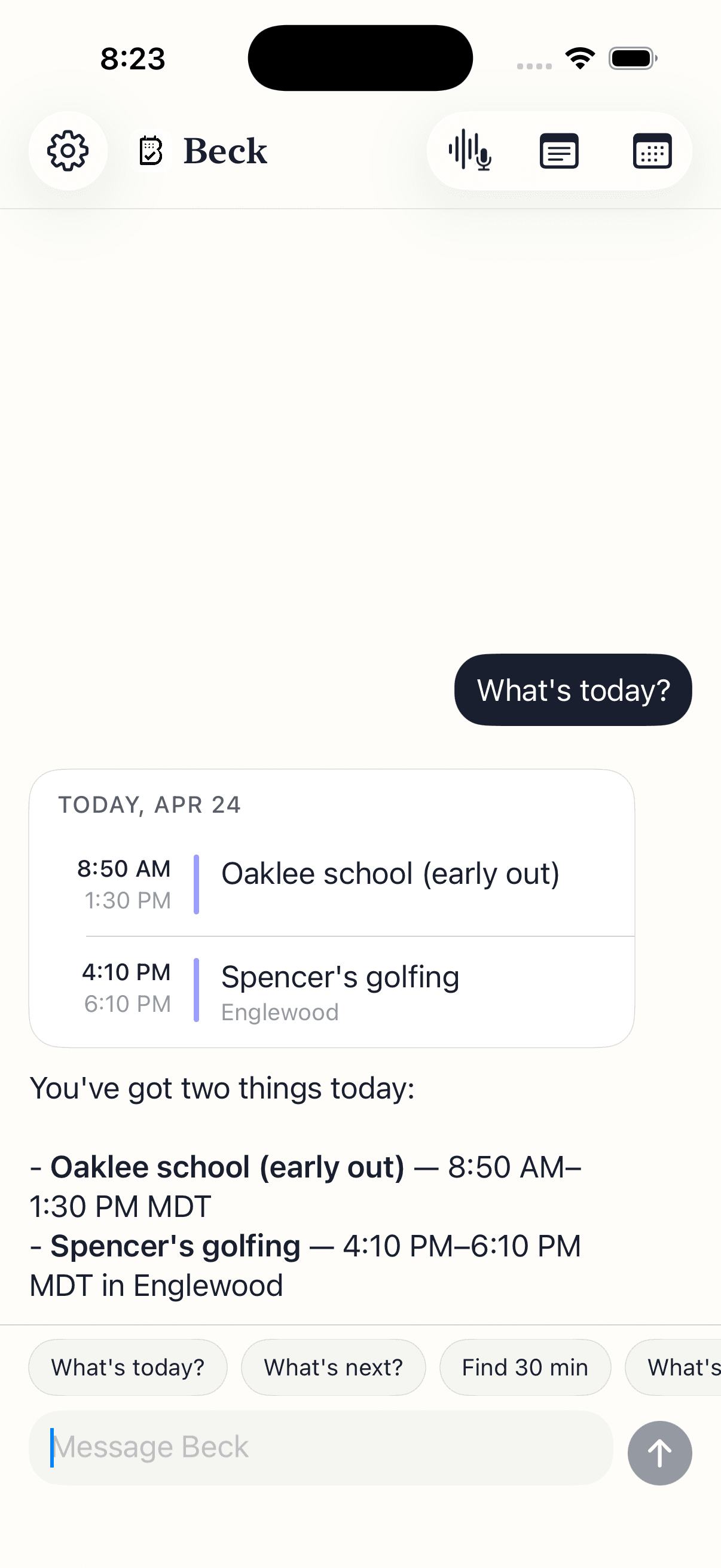
Two NL-friendly calendars, two different bets.
| Feature | Beck AI iOS 17+ · $7.99/mo | Fantastical Apple platforms · free + premium |
|---|---|---|
| Cost | $7.99/mo · 3-day free trial | Free tier · Premium ~$56.99/yr |
| Platforms | iPhone (iOS 17+) | Mac, iPhone, iPad, Apple Watch |
| Natural-language event creation | LLM, conversational, holds a thread | Rule-based parser — best when phrased its way |
| Photo / screenshot to event | Multi-event, multi-page, batch review | No |
| Reschedule by sentence | “Push my 3pm to Friday morning” works | Limited; mostly form-based |
| Asks clarifying questions | Yes — back-and-forth in a thread | No — parses or fails |
| Conflict detection with alternates | Yes — suggests free slots | Conflict warning only |
| Daily morning brief | One message; silent on quiet days | No |
| Meeting notes linked to events | Record or paste; AI summary, recallable | Notes field |
| Recurring series editing by sentence | Yes — apply once or to series | Form-based |
| Mac power-user features | — | Menu bar, calendar sets, openings, templates |
| Privacy | No AI training; nothing retained server-side | Apple-only; no LLM features that send data |
Fantastical's parser needs your phrasing. Beck AI reads what you actually wrote, asks back when something's missing, and holds the thread.
Fantastical doesn't read photos. Beck AI does — multi-event, multi-page, with batch review before anything is written.
Apply-to-series in one sentence — including 'starting this Friday, every week.' No tap-into-event, then series-edit form.
Your calendar is as private as your contacts. Nothing is sold, nothing trains AI, and nothing lands on your day until you tap confirm. That's the deal.
Every create, edit, and delete surfaces as a card. You see the draft before it touches your calendar.
Beck AI never trains on your calendar, your chats, or your notes.
Voice input is transcribed right on your phone. Only the current message travels so the AI can answer it — and it isn't retained after. Record a meeting and the audio is deleted the moment its transcript is ready.
Different mechanism, different strengths. Fantastical's parser is rule-based — it's fast, predictable, and excellent when you phrase events its way. Beck AI reads messy phrasing the way a person would, with the whole conversation and your calendar in context — so 'push my 3pm somewhere we can get coffee' works: Beck AI checks around your meetings and asks back. Fantastical wins on speed for clean phrases; Beck AI wins on messy ones.
Yes — both write through your iPhone's Calendar. Anything Beck AI schedules shows up in Fantastical, and vice versa. Some people keep Fantastical for the polished day view and Mac shortcuts, and use Beck AI for photo capture and quick rescheduling on the phone.
Beck AI is iPhone-first because the trigger moments — thumb-typing between meetings, snapping a flyer, asking what's coming — happen on the phone. iPad and Watch are on the roadmap once iPhone feels right. If those platforms are core to your day today, Fantastical is the better fit.
Real AI compute every time you talk to it. Photo scanning with multi-event extraction, an assistant that reads your calendar in context, a conversational thread that asks back, conflict detection with suggested alternates, and a daily brief that's specific to your day. The trial is long enough to test it on real days — the only honest way to evaluate.
Beck AI doesn't offer shareable scheduling links or a public openings page. It connects directly to Google and Outlook for cross-account scheduling, but if sending people a booking link is core to your work, Fantastical or a dedicated tool like Cal.com is a better fit today.
Not yet — there's no Mac app. Fantastical's menu bar, calendar sets, and templates are real strengths if you live at a desk. Beck AI's bet is that the trigger moments aren't at a desk — they're in motion, on the phone.
The next reschedule, school flyer, or “can we do Thursday?” takes one sentence.

 On your computer? Point your iPhone camera here.