
How it works01Features02Pricing03Learn04Contact05View Beck AIApp Store
Subscription required · review current terms in the app
Motion is a powerful desktop and web auto-scheduler. It takes your tasks and meetings and automatically places and rearranges them for you — great if you run your life from a task list. Beck AI is a different category: iPhone-native, conversational, confirm-first. It reads the calendar you already have and never rearranges your day on its own. Here's the honest comparison.
 iCloud
 Google
 Outlook
 Exchange
 Fastmail
 Yahoo
Yahoo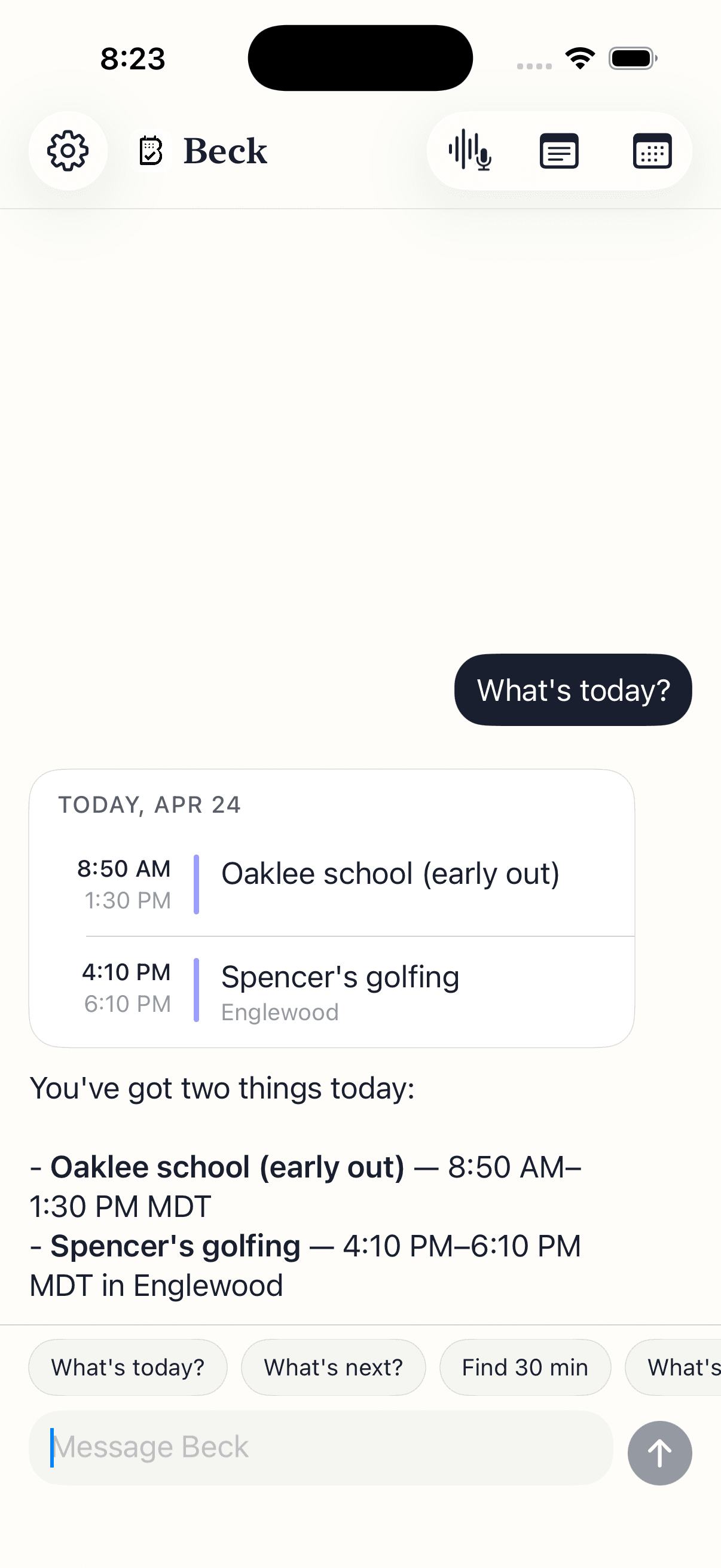
Motion and Beck AI solve different problems. Motion legitimately wins automatic task scheduling. Beck AI wins iPhone-native capture and the confirm-first model. Here's where each one lands.
| Feature | Beck AI iPhone-native · confirm-first | Motion Desktop / web · auto-scheduler |
|---|---|---|
| Platform | iPhone-native, built for iOS 26.0+. Capture from your phone in seconds. | Desktop and web first, with the phone as a companion app. |
| Control model | Confirm-first. Beck AI drafts; nothing lands until you tap confirm. | Automation-first. It places and rearranges blocks on your behalf. |
| Primary input | Type, speak, or snap a photo of an invite, flyer, or screenshot. | Tasks and projects you enter, with deadlines and durations. |
| Photo / screenshot to event | Yes — batch capture, multiple events from one image. | Not a focus — input is task-list driven, not photo capture. |
| Calendars reached | Any calendar on your phone via Apple EventKit — iCloud, Google, Outlook, Exchange, Fastmail, Yahoo. Nothing to migrate. | Connects to the major calendar accounts to manage its schedule. |
| Task auto-scheduling | Not by design. Beck AI drafts events; it never rearranges your day for you. | Its core strength — automatically places and reshuffles tasks around deadlines. |
| Conflict handling | Checks the day before writing and offers alternative slots — you choose. | Resolves conflicts by moving blocks itself as part of auto-scheduling. |
| Price posture | $7.99/mo with a 3-day free trial (as of 2026). | Paid subscription, positioned as a productivity-suite cost. Check Motion for current pricing. |
Your work calendar carries more than dates. Review the draft, check the destination, and know what you are sharing.
Check the proposed date, time zone, calendar, and attendees. After saving, open the event to verify the result before retrying.
Calendar permissions, account restrictions, and your employer's rules matter. Start with a non-sensitive test event before using an assistant with work information.
Calendar requests, images, and meeting recordings can involve different processing paths. Review the Privacy Policy and App Store privacy disclosures. Ask support about storage or retention before sharing sensitive material.
Only if you want a different category. Motion is a desktop and web auto-scheduler that takes your task list and automatically places and rearranges it on your calendar. Beck AI is an iPhone-native, confirm-first calendar — you type, speak, or snap a photo, Beck AI drafts the event, checks for conflicts, and writes nothing until you tap confirm. If you want software that owns your layout and reshuffles it for you, Motion is the better fit. If you want fast capture on your phone and full control of what lands, Beck AI is.
Not the way Motion does — and that's on purpose. Beck AI keeps a task list and will find time for a task when you ask (“find 30 minutes for the expense report this week”), but it never rearranges your day on its own. Motion's pitch is automatic placement; Beck AI drafts a slot, checks it for conflicts, and waits for your tap. If you want software that continuously reshuffles your layout for you, Motion wins that line. If you want tasks captured fast and scheduled only where you confirm, Beck AI is the fit.
Yes — that's where Beck AI fits. Motion is built desktop and web first, with the phone as a companion. Beck AI is iPhone-only by design (iOS 26.0+, available on the App Store) and built for people running 4 to 10 meetings a day from their phone. You can capture a flyer, a screenshot, or a typed sentence in seconds without opening a laptop.
Beck AI reads and writes through Apple EventKit, so it works with the calendar you already have — iCloud, Google, Outlook, Exchange, Fastmail, and Yahoo. There's nothing to migrate. You switch the front end and your events stay exactly where they were.
Reclaim is another auto-scheduler in the same broad family as Motion: it defends habits and tasks by placing and moving blocks on your calendar for you. If you're weighing the auto-scheduler category, compare them directly on our Reclaim alternative page. Beck AI sits outside that category entirely — it drafts and waits for your confirm rather than rearranging anything.
The next reschedule, school flyer, or “can we do Thursday?” takes one sentence.

 On your computer? Point your iPhone camera here.