
How it works01Features02Pricing03Learn04Contact05Try Beck AI freeApp Store
Free 3-day trial · iCloud, Google, Outlook · No ads
Apple Calendar is a beautiful grid for displaying time. Beck AI is a conversation for managing it. Both live on your iPhone — but only one reads your photos, takes your sentences, and drafts the event before you tap.
 iCloud
 Google
 Outlook
 Exchange
 Fastmail
 Yahoo
Yahoo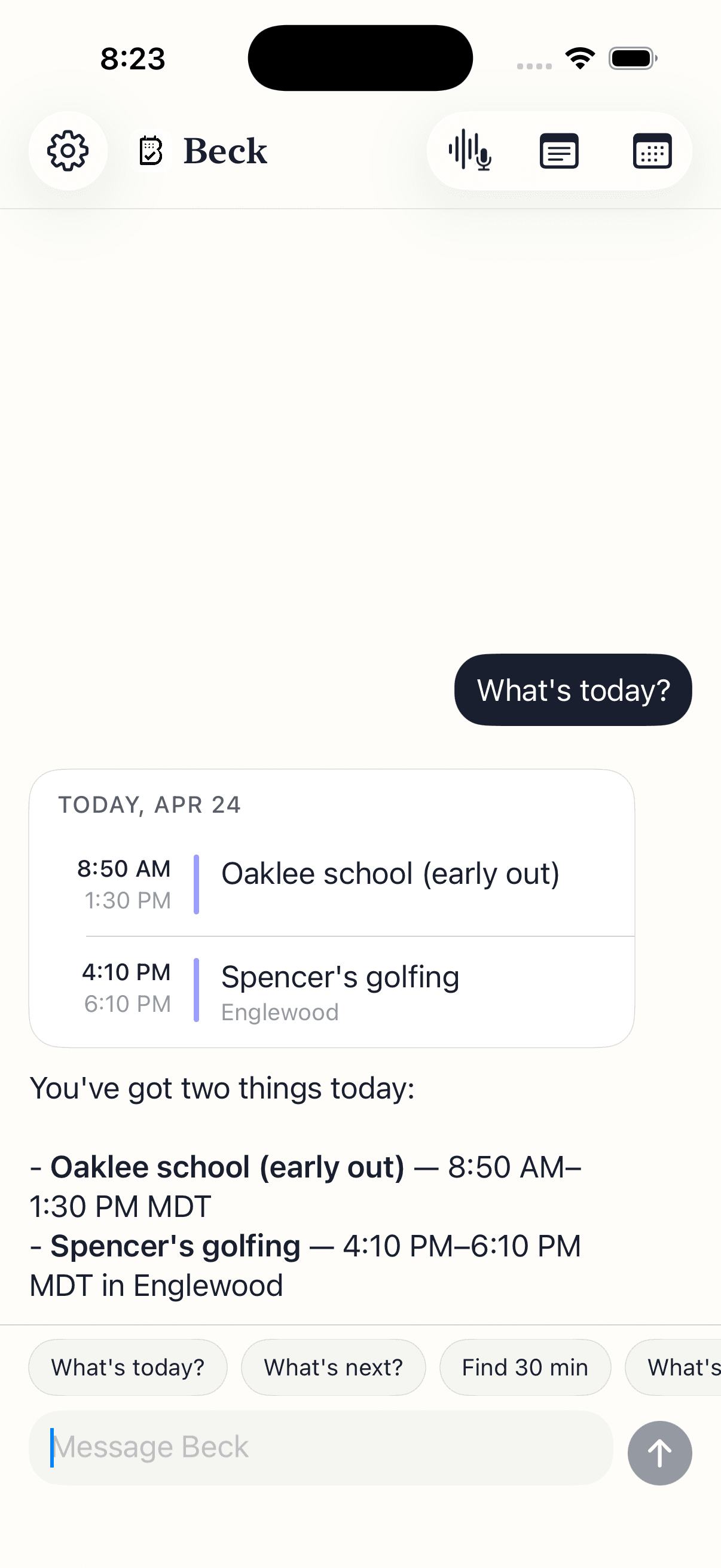
Same calendars, same iPhone, two different workflows.
| Feature | Beck AI iOS 17+ · $7.99/mo | Apple Calendar iOS · free |
|---|---|---|
| Cost | $7.99/mo · 3-day free trial | Free with iPhone |
| Photo / screenshot to event | Multi-event, multi-page, batch review | Single event from screenshot in iOS 26 only |
| Natural language input on iPhone | Yes — typed or spoken, with chat memory | No (macOS only) |
| Voice input | Tap-to-speak; full sentence parsed in context | Siri only — limited to clean phrasing |
| Conflict detection | Suggests alternative free slots | Time alert only |
| Reschedule by sentence | “Push my 3pm to Friday morning” works | Manual form only |
| Edit a recurring series by sentence | Yes — apply once or to series | Tap into the event, then the series |
| Daily morning brief | One message; silent on quiet days | No |
| Meeting notes linked to events | Record or paste; AI summary, recallable | Notes field; no transcription |
| Calendars supported | iCloud, Google, Outlook, Exchange, Fastmail, Yahoo | Same — Beck AI reads through Apple's Calendar |
| Privacy | No AI training; nothing retained server-side | Apple-private; no AI features that send your data |
On Apple Calendar, you read the flyer and start tapping +. On Beck AI, you snap the flyer and tap confirm on the events you want.
On Apple Calendar, that's: tap the event, tap edit, tap date, scroll wheel, tap time, scroll wheel, save. On Beck AI, it's the sentence.
Apple Calendar shows you a grid. Beck AI reads it back to you with the parts that need attention — quiet on light days, specific when buffer is missing.
Your calendar is as private as your contacts. Nothing is sold, nothing trains AI, and nothing lands on your day until you tap confirm. That's the deal.
Every create, edit, and delete surfaces as a card. You see the draft before it touches your calendar.
Beck AI never trains on your calendar, your chats, or your notes.
Voice input is transcribed right on your phone. Only the current message travels so the AI can answer it — and it isn't retained after. Record a meeting and the audio is deleted the moment its transcript is ready.
Both work, depending on your taste. Beck AI reads and writes through Apple's Calendar — so anything Beck AI schedules shows up in Apple Calendar, and anything you schedule there shows up in Beck AI. Most people keep Apple Calendar around for the grid view and use Beck AI for capture and rescheduling.
Nothing on your calendar — Beck AI doesn't migrate or transform events. It writes to the same calendars Apple Calendar reads from. If you cancel Beck AI, your events are still there, untouched.
Beck AI runs on real compute every time you talk to it. Photo OCR, natural-language understanding, conflict checks against your day — all of that costs money to run reliably. The trial is long enough to put it through a few real days, which is the only honest way to know if it pays for itself.
Yes — through your iPhone's Calendar. iCloud, Google, Outlook, Exchange, Fastmail, and Yahoo all work. If your phone sees the calendar, Beck AI does too.
Beck AI is iPhone-first today. iPad and Watch are on the roadmap. The thinking: most thumb-typing-between-meetings, photo-capture, and quick-reschedule moments happen on the phone — that's where Beck AI earns its keep first.
Apple Calendar is the gold standard for not-using-your-data — Apple doesn't run AI on it. Beck AI does run AI, but with a tight contract: your chat history stays on the phone; only the current message travels so the AI can answer it; it isn't retained after the response; and nothing — calendar, chats, notes, or transcripts — is ever used to train AI.
The next reschedule, school flyer, or “can we do Thursday?” takes one sentence.

 On your computer? Point your iPhone camera here.