
How it works01Features02Pricing03Learn04Contact05Try Beck AI freeApp Store
Free 3-day trial · iCloud, Google, Outlook · No ads
Beck AI is an AI calendar for iPhone built so your information doesn't become the product. Your chats, your notes, and your meeting transcripts stay on the phone. Only the current request and the relevant calendar context leave to be answered — and they aren't kept. No training on your data. Nothing sold. And Beck AI never reads your email — it works from the calendar you already have via Apple EventKit.
 iCloud
 Google
 Outlook
 Exchange
 Fastmail
 Yahoo
Yahoo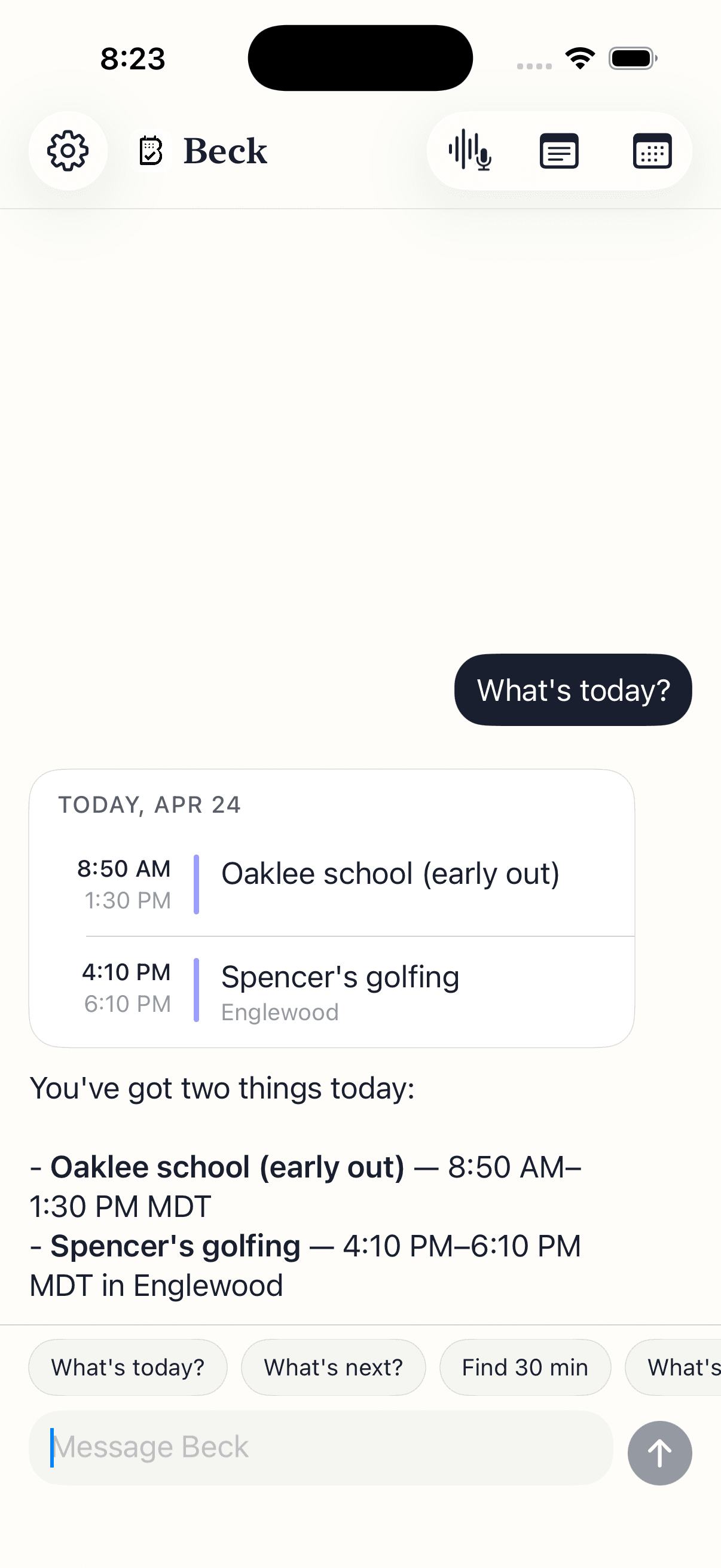
Most calendar apps are vague about this. Here is the exact line. Read the full legal detail on our privacy page.
Concrete commitments, not a mood. Each one is something you can hold us to.
Beck AI does not train any model on your calendar, chats, notes, or transcripts. Your information answers your request and nothing more — it isn't a training set, and it isn't for sale.
There is no inbox access and no mailbox scanning. Beck AI works from the calendar already on your phone through Apple EventKit. When you want an event off an invite, you snap a photo of it — that image is what Beck AI reads.
Beck AI drafts and conflict-checks, but it writes nothing until you tap confirm. There is no auto-scheduling and no silent rearranging. Nothing lands on your calendar without your tap.
Your chat history stays on the iPhone and voice input is transcribed there too. Only the current request and the context needed to answer it ever leave — that isn't retained afterward, and recorded meeting audio is deleted the moment its transcript is ready.
Your calendar is as private as your contacts. Nothing is sold, nothing trains AI, and nothing lands on your day until you tap confirm. That's the deal.
Every create, edit, and delete surfaces as a card. You see the draft before it touches your calendar.
Beck AI never trains on your calendar, your chats, or your notes.
Voice input is transcribed right on your phone. Only the current message travels so the AI can answer it — and it isn't retained after. Record a meeting and the audio is deleted the moment its transcript is ready.
The short version is here. For the full legal detail, read our privacy policy.
No. Beck AI does not train any model on your calendar, your chats, your notes, or your meeting transcripts. Your information is used to answer the request in front of you — nothing else. Nothing is sold, and nothing is shared with advertisers.
Only the current request and the minimum calendar context needed to answer it — for example, the day's events when Beck AI checks for a conflict. That information is processed to return an answer and is not retained afterward. Your chat history stays on the phone, and voice input is transcribed on-device before anything is sent.
No. Beck AI does not read your email, your messages, or your inbox. It works from the calendar already on your phone through Apple's EventKit framework — the same system the built-in Calendar app uses. If you want an event from an invite, you snap a photo of it; Beck AI reads that image, not your mailbox.
No. Beck AI is confirm-first by design. It drafts the event and checks it against the calendar you already have, but nothing lands until you tap confirm. There is no auto-scheduling and no background rearranging of your day.
Your notes and transcripts belong to your account and sync to your devices. When you record a meeting, the audio is processed securely to produce the transcript and summary, then deleted right away. Transcripts are never used for training and never sold — and your chat history stays on the phone.
The next reschedule, school flyer, or “can we do Thursday?” takes one sentence.

 On your computer? Point your iPhone camera here.