
How it works01Features02Pricing03Learn04Contact05Try Beck AI freeApp Store
Free 3-day trial · iCloud, Google, Outlook · No ads
Reclaim is a web-first, Google-centric auto-scheduler that defends your habits and tasks around meetings automatically. Beck AI is the opposite kind of tool: iPhone-native, conversational, and confirm-first. It reads the calendar you already have, drafts events from a sentence or a photo, and writes nothing until you tap confirm.
 iCloud
 Google
 Outlook
 Exchange
 Fastmail
 Yahoo
Yahoo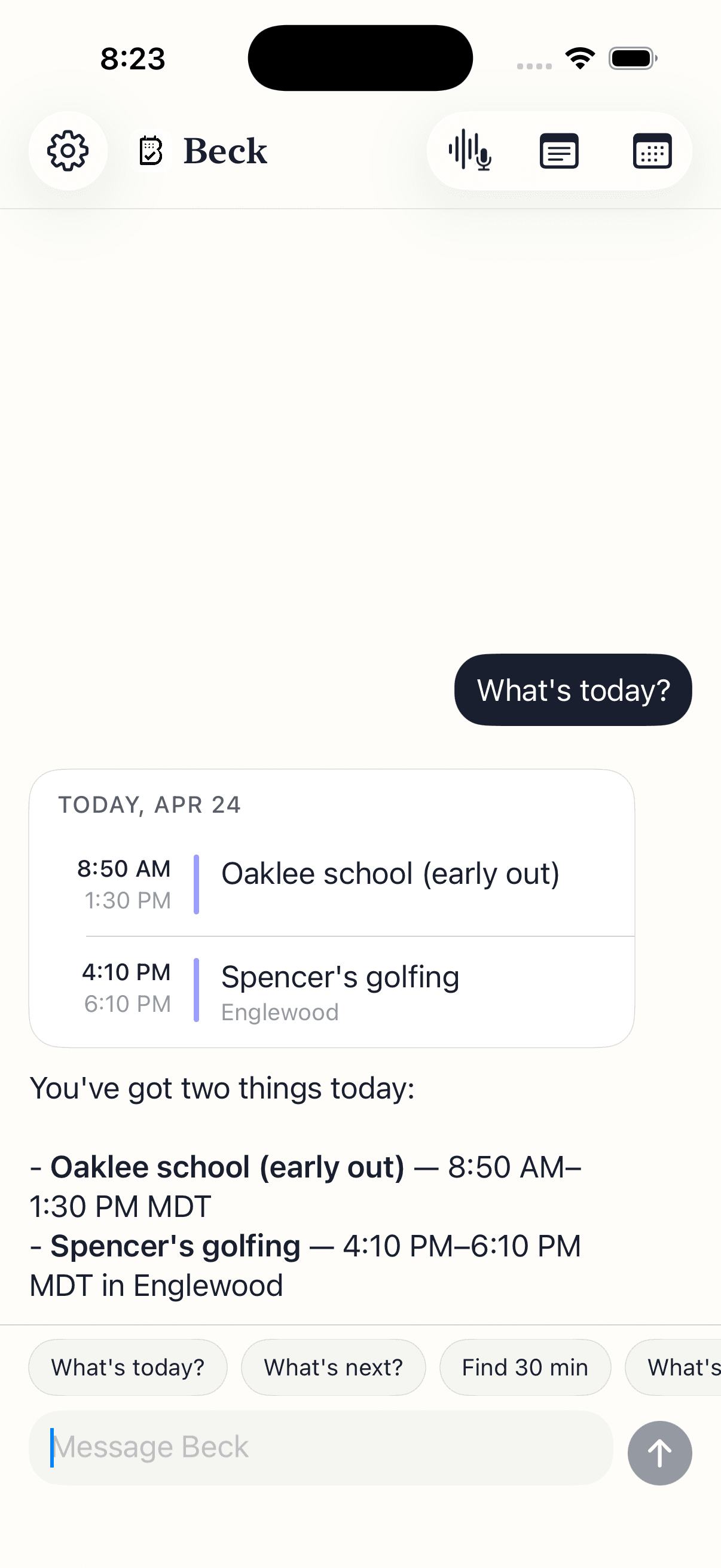
Two different jobs. Reclaim automates the layout of your day for Google professionals; Beck AI keeps you in control of an iPhone-native calendar. Each wins where it's built to.
| Feature | Beck AI iPhone-native, confirm-first | Reclaim.ai Web-first auto-scheduler |
|---|---|---|
| Where it runs | iPhone-native (iOS 17+). No web or Android today. | Web-first, with companion mobile apps. Built to live in a browser tab. |
| Calendars it reads and writes | Reads and writes iCloud, Google, Outlook, Exchange, Fastmail, and Yahoo through Apple EventKit — the calendar you already have. | Google Calendar and Microsoft Outlook. Deepest with Google Workspace. |
| Auto-defending habits and tasks | Not by design. Beck AI doesn't rearrange your day on its own. | Its core strength. Reclaim automatically slots habits, tasks, and focus time around your meetings and reshuffles as things change. |
| Google-centric depth | Reads and writes Google like any other account, but isn't built around Workspace. | Built for Google professionals — tight Workspace integration and team scheduling. |
| How events get created | You type, speak, or snap a photo of an invite. Beck AI drafts the event and conflict-checks it. Nothing lands until you tap confirm. | You define tasks, habits, and rules; the scheduler places and moves blocks automatically. |
| Photo and screenshot capture | Snap a flyer or screenshot and Beck AI drafts the events — including several events from one image. | No photo-to-event capture. Input is task and rule based. |
| Who keeps control of the layout | You do. Confirm-first means Beck AI proposes; you decide. It flags conflicts and offers alternative slots. | The scheduler does. Automation moves your blocks for you — which is the point, if you want it. |
Reclaim belongs to the same family as Motion — auto-schedulers that take over your calendar and reshuffle blocks to protect deadlines, habits, and focus time. That's powerful if you want to hand over the layout of your day. Beck AI is the other kind: a conversational, confirm-first calendar that reads the accounts you already have, drafts what you ask for, conflict-checks it, and waits. If you want to understand the split before you pick, start with our overview of an AI scheduling assistant, see what a confirm-first AI calendar for iPhone looks like, or read the parallel comparison with Motion.
Your calendar is as private as your contacts. Nothing is sold, nothing trains AI, and nothing lands on your day until you tap confirm. That's the deal.
Every create, edit, and delete surfaces as a card. You see the draft before it touches your calendar.
Beck AI never trains on your calendar, your chats, or your notes.
Voice input is transcribed right on your phone. Only the current message travels so the AI can answer it — and it isn't retained after. Record a meeting and the audio is deleted the moment its transcript is ready.
Reclaim is a web-first, Google-centric auto-scheduler: it automatically defends habits, tasks, and focus time by moving blocks around your meetings. Beck AI is an iPhone-native, conversational calendar: you type, speak, or snap a photo, Beck AI drafts the event and checks for conflicts, and nothing lands until you tap confirm. Reclaim rearranges your day for you; Beck AI never does.
That's exactly where Beck AI fits. Reclaim is deepest with Google Calendar and Outlook. Beck AI reads and writes iCloud, Google, Outlook, Exchange, Fastmail, and Yahoo through Apple EventKit, so it works with the calendar you already have on your iPhone — nothing to migrate.
No, and that's by design. Beck AI doesn't rearrange your calendar on its own. It drafts events from what you tell it, flags conflicts, and offers alternative slots — but you stay in control of the layout. If automatic habit and task defense is the feature you want, Reclaim does that well and Beck AI doesn't try to.
Yes. Snap a photo or screenshot of an invite, flyer, or whiteboard and Beck AI drafts the event — and it can pull several events from a single image. Reclaim's input is task and rule based, so it has no photo-to-event capture.
Your chat, notes, and transcripts stay on your iPhone. Only the current request and relevant context leave the device, and that isn't retained. Beck AI doesn't train on your data and doesn't sell it. The meeting-note transcription runs on-device.
The next reschedule, school flyer, or “can we do Thursday?” takes one sentence.

 On your computer? Point your iPhone camera here.